Eight stages, in the order a production runs them.
MISE is not a prompt box with a render button. It is a pipeline, and each stage produces a document the next stage is bound by — a shot list, a locked cast, a look bible. What follows is every stage, what goes in, what comes out, and what you can override.
Paste a screenplay, a treatment, or one sentence.
MISE reads a screenplay the way a first assistant director reads one: sluglines set the location and time of day, action lines carry the staging, and dialogue attribution builds the character index. Nothing is inferred from vibes.
From one sentence it works the other way — it proposes a scene structure and asks you to approve it before anything else runs. You are never more than one screen away from the thing the machine thinks it is making.
Prevents Scenes silently collapsing into one prompt, which is where structure is usually lost.
14 EXT. TIDAL CAUSEWAY — DAWN
The tide is going out. A mile of wet stone, and nothing on it.
VERA walks the centre line, boots in two inches of water.
MARLOW (O.S.)
Nine days. They dragged it nine days.
She does not turn around.
Parsed
- SCENE14
- SETTINGEXT · DAWN
- BEATS3
- CASTVERA · MARLOW
- PAGES1 2/8
Inputs
- Final Draft (.fdx)
- Fountain (.fountain)
- PDF screenplay
- Treatment or a single sentence
Outputs
- Scene list with sluglines
- Beat map per scene
- Character index
- Page count and estimated screen time
You control
- Merge or split scenes
- Re-mark a beat boundary
- Rename or alias a character
- Exclude a scene from the build
A shot list per scene, in the format a line producer already reads.
Coverage is proposed, not imposed. The default pattern is conservative — an establishing wide, the coverage the dialogue needs, an insert where the action names an object — because a director would rather add than argue.
Every field is editable and every edit sticks. Locked set-ups survive a full regeneration of the scene, so you can rebuild around a shot you have already approved.
Prevents A shot list nobody on a crew can actually work from.
| # | Size | Move | Lens | Dur |
|---|---|---|---|---|
| 14A | WS | Static | 40 mm | 7.5s |
| 14B | MWS | Dolly in | 32 mm | 4.0s |
| 14C | CU | Static | 85 mm | 2.0s |
| 14D | MCU | Handheld | 50 mm | 3.5s |
| 14E | CU | Static | 135 mm | 2.5s |
| 14F | MS | Pan L→R | 32 mm | 3.0s |
Inputs
- Approved scene and beat map
- Coverage preference per scene
- Aspect ratio and frame rate
Outputs
- Shot list with size, move, lens, duration
- Lighting note per set-up
- Running time per scene
- CSV, EDL and StudioBinder export
You control
- Reorder, merge, split or delete set-ups
- Override any field in place
- Lock a shot so re-runs cannot touch it
- Write your own coverage from scratch
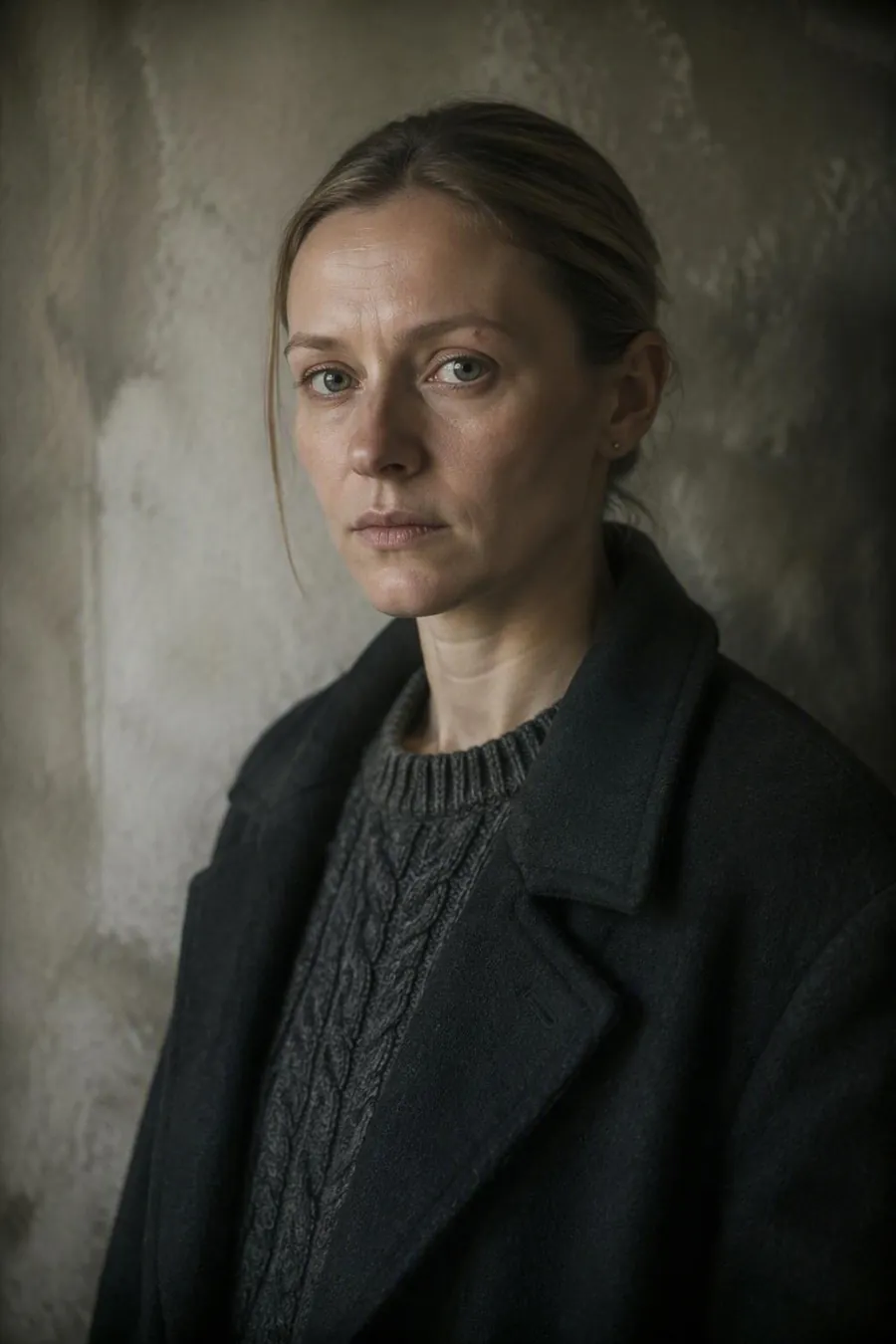
Lock the reference once. Every shot downstream inherits the face.
A locked reference is not a phrase appended to a prompt. It is a binding constraint attached to the character record, and it travels with every downstream job: frames, motion, re-renders, and any shot you regenerate six weeks later.
Re-locking is deliberate and loud. Change the reference and MISE tells you exactly how many shots are now out of date, and lets you re-render them in one pass rather than hunting them down by eye.
Prevents The face drifting between shot 4 and shot 40 — the single most common reason AI footage cannot be cut.
Inputs
- One reference image per character, or a generated candidate
- Wardrobe and continuity notes
- Optional additional angles
Outputs
- Locked character record with an immutable reference ID
- Identity constraint carried into every frame and clip
- Per-shot continuity report
You control
- Re-lock to a new reference and propagate
- Scope a lock to an act or a date range
- Flag a shot for identity review
One look bible. Two hundred shots that belong to the same negative.
The look bible is applied while the frame is being made, not painted on afterwards, so the grade holds in the shadows where a post-hoc LUT falls apart.
Change the bible and the whole picture conforms. Sequence-scoped variants exist for the cases that earn them — a flashback, a different stock, a deliberate break — and they are recorded as variants rather than as drift.
Prevents Two hundred shots that were each graded on their own and belong to two hundred different films.
- StockKodak Vision3 500T
- ProcessBleach bypass, 40%
- Black point12 IRE, lifted
- ShadowTeal −14 / desat 0.62
- HighlightSodium amber +9
- Grain35mm fine, 0.35
- HalationOn, 0.22
- GlassCooke S4/i · T2.2
Inputs
- Film stock and process
- Grade targets: black point, shadow tint, highlight roll-off
- Grain, halation and glass profile
Outputs
- A versioned look bible applied at render
- Matching LUT for the finishing suite
- Per-frame conformance report
You control
- Author from a reference frame
- Version and roll back
- Scope a variant to a sequence
- Export the LUT
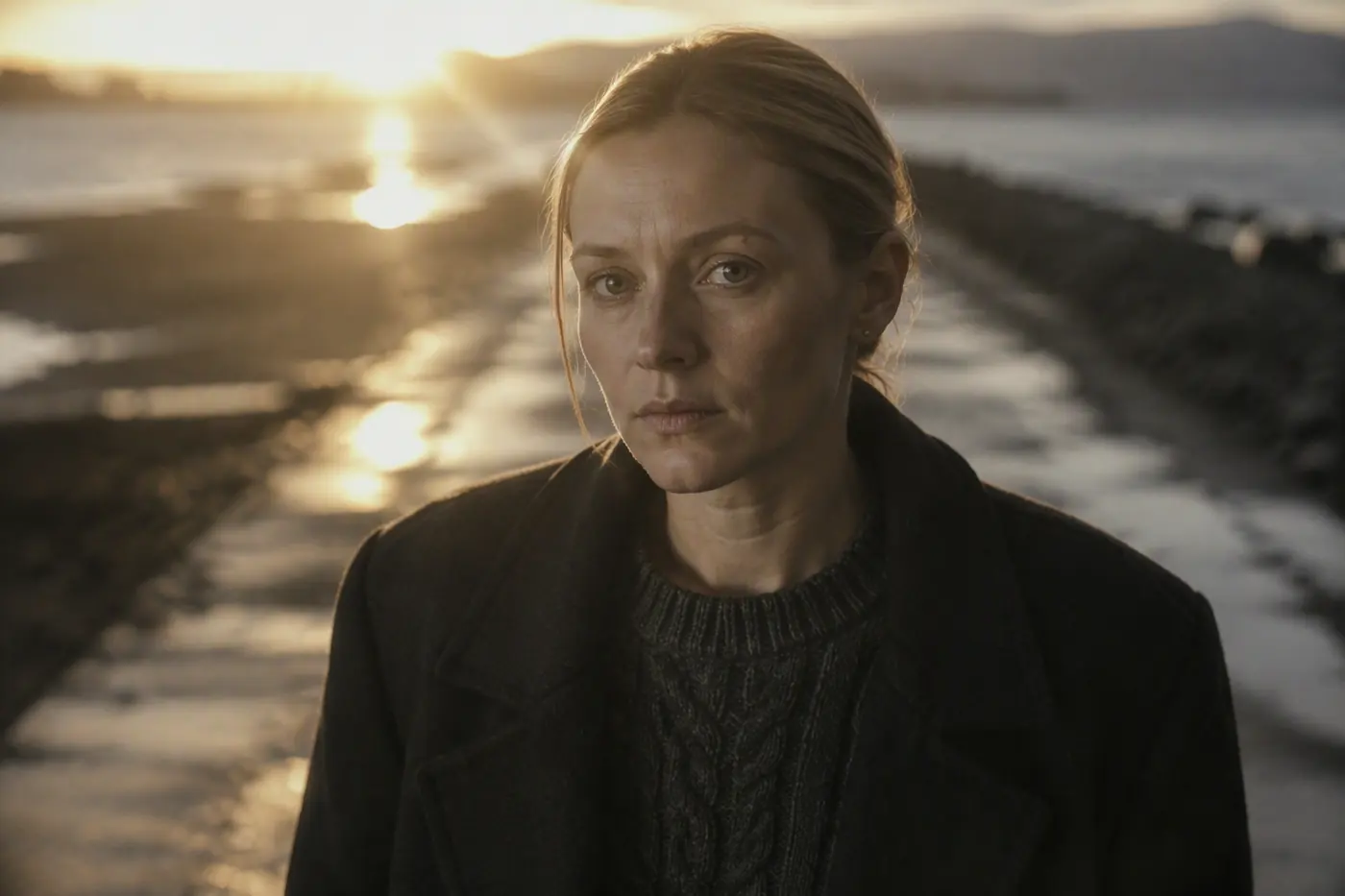
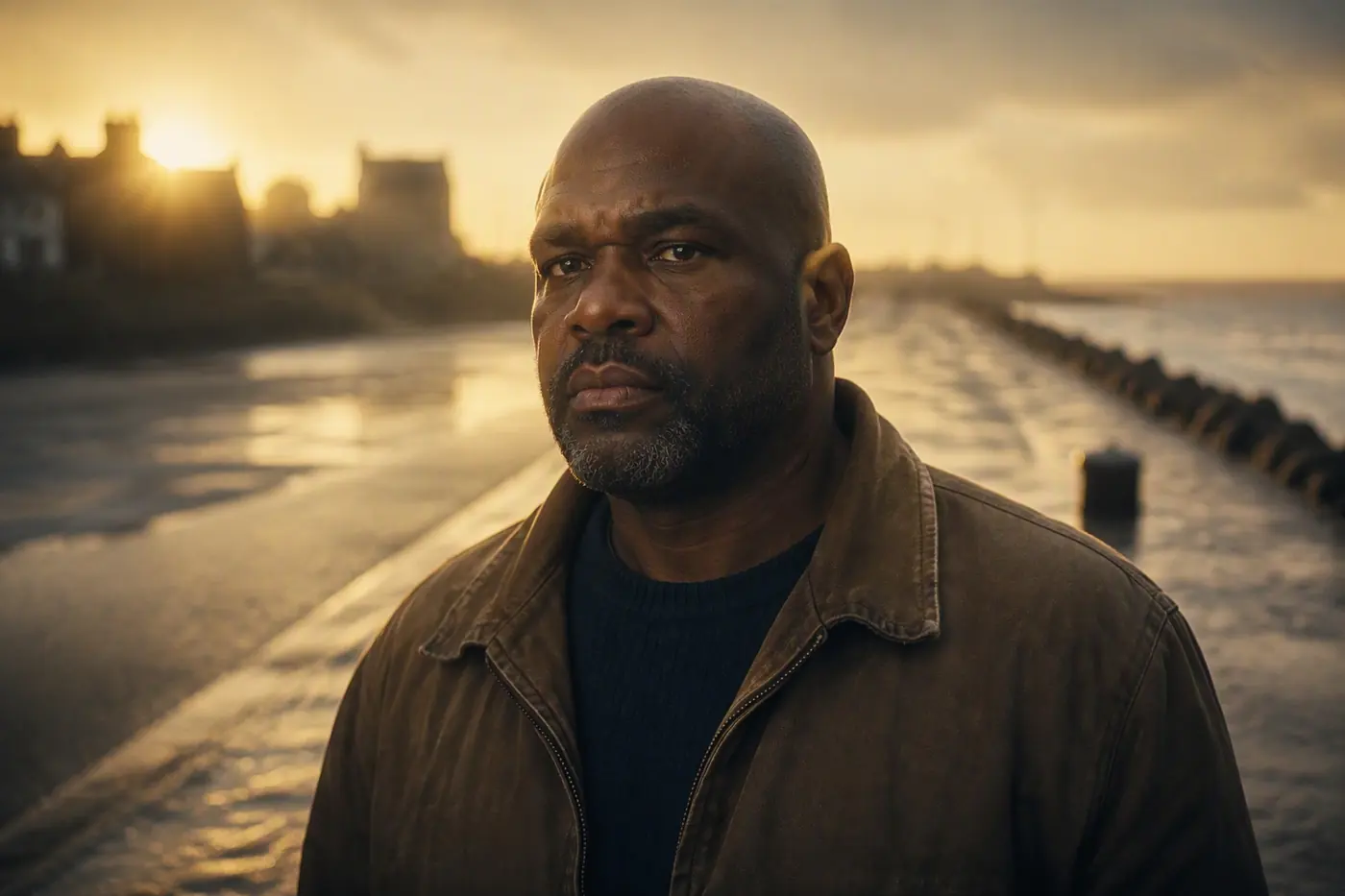
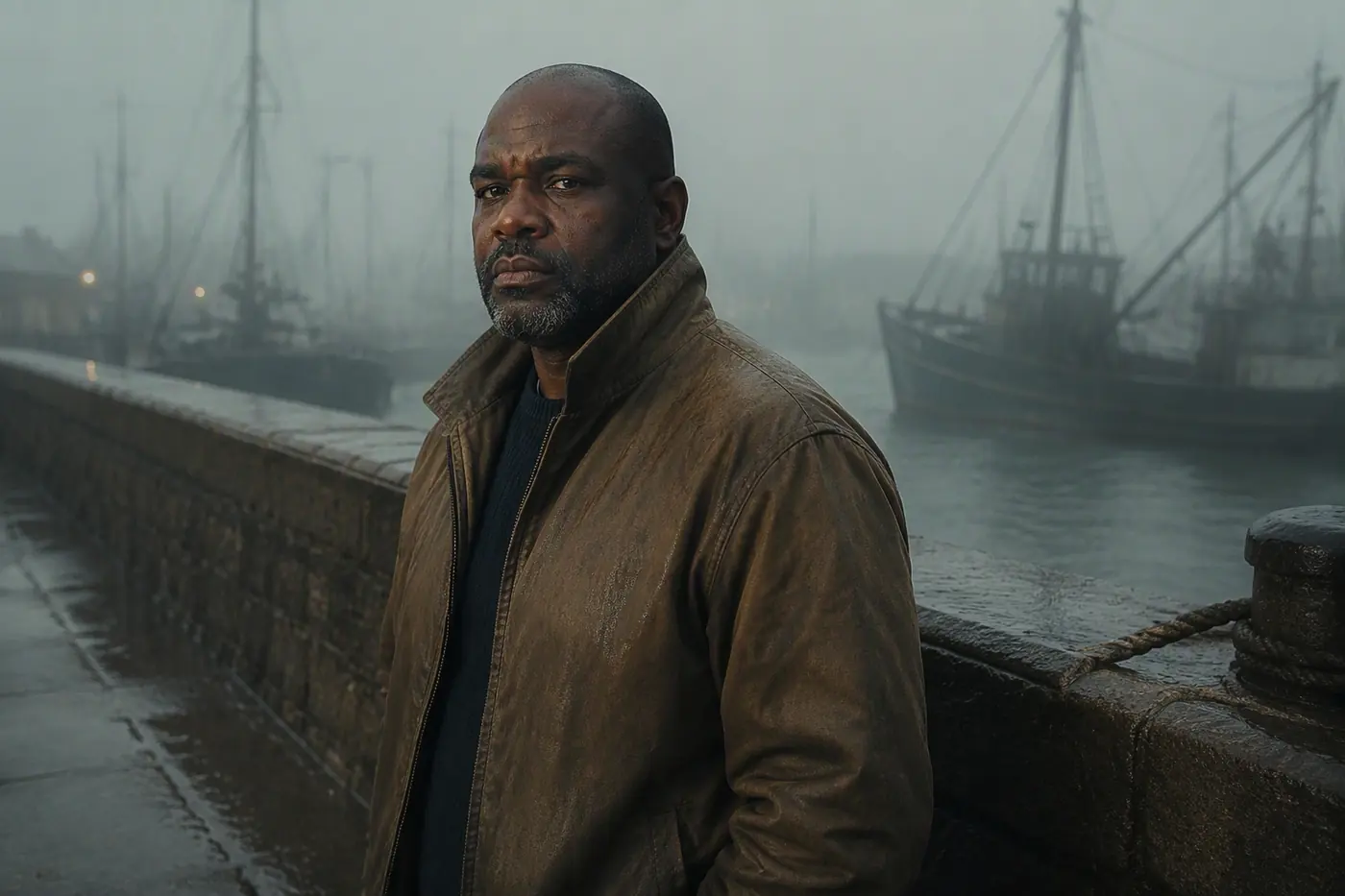
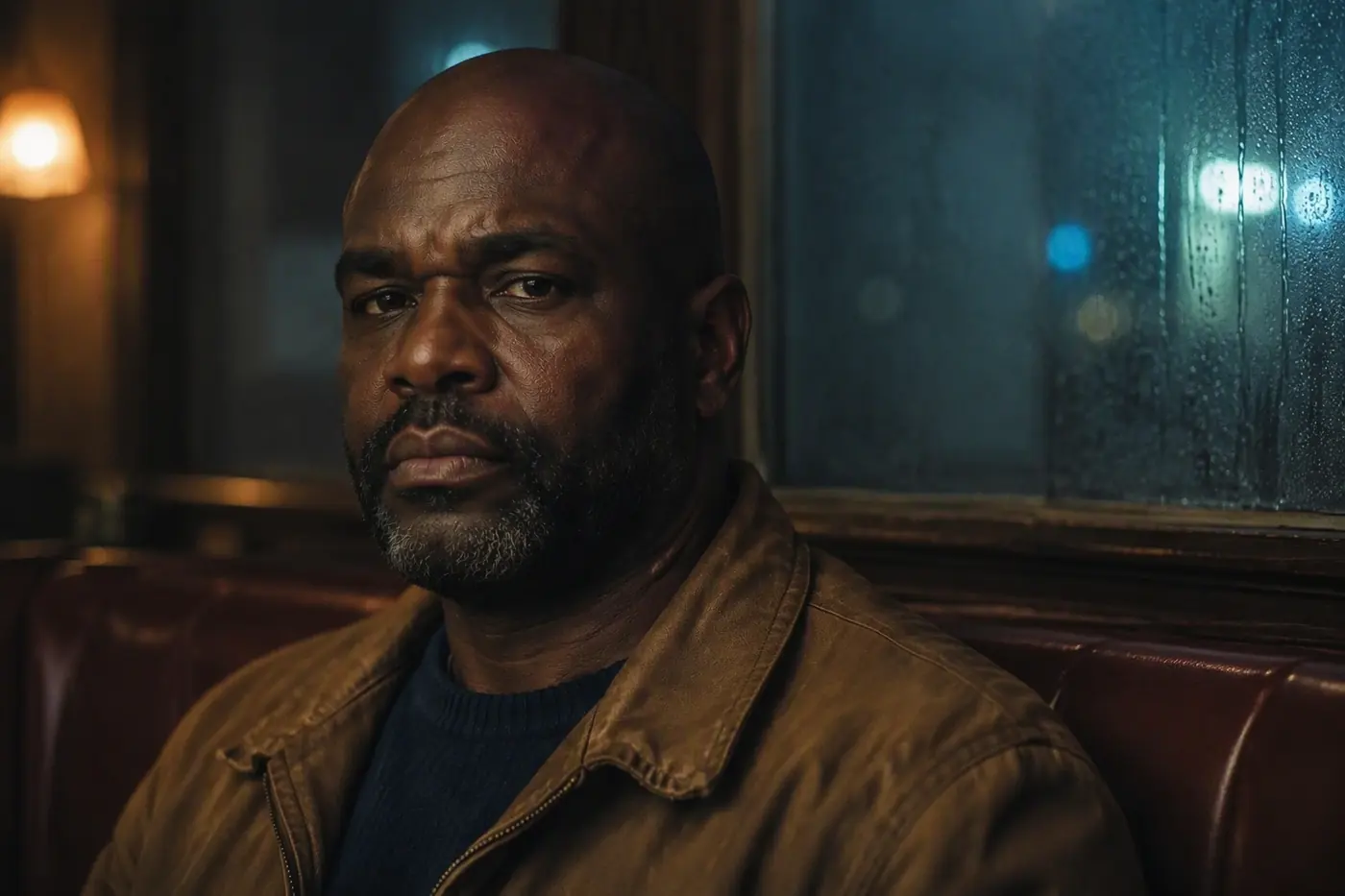
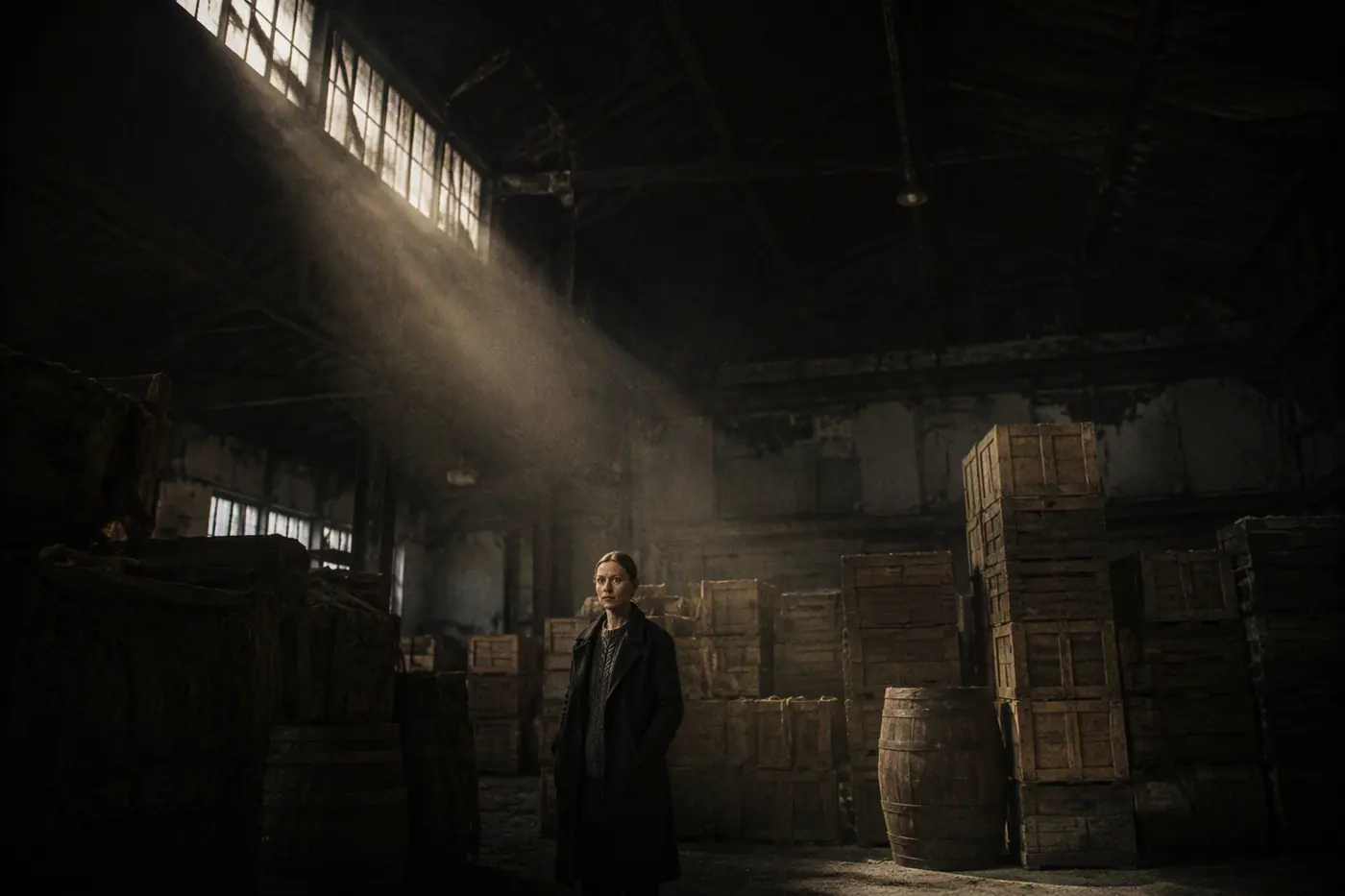
Stills first. Review a contact sheet before you spend a second of video.
Stills are cheap and video is not. Everything that can be decided at the frame stage is decided at the frame stage: blocking, eyeline, lens, where the light is coming from.
The contact sheet is the review surface a director already understands. Three takes per set-up, laid out in shot order, with the kill and approve state visible at a glance.
Prevents Paying for video on a shot whose composition was never right in the first place.



Inputs
- Approved shot list
- Locked cast
- Active look bible
Outputs
- Stills per set-up on a contact sheet
- Approve, kill and re-render state per frame
- Frame-accurate cost estimate before motion
You control
- Approve or kill a take
- Re-render with a note
- Pin a take as the reference for motion
Approved frames become clips. The model is chosen per shot, not per project.
A talking close-up, a macro insert of hands on wet rope, a crane move and a shot with real water in it do not want the same engine. MISE routes each set-up based on what the shot actually needs and records which engine ran it.
The locked reference and the look bible are carried into every engine, so routing never becomes a back door for drift.
Prevents One general-purpose model being asked to do dialogue, macro and water physics equally badly.
- 14A Camera move · WS MOTION-A RENDERED
- 14C Macro insert MOTION-C RENDERED
- 14D Handheld · figure MOTION-A RENDERED
- 14E Dialogue · CU MOTION-D RENDERED
- 14F Water physics MOTION-B QUEUED
Inputs
- Approved frames
- Move and duration from the shot list
- Locked cast and look bible
Outputs
- Clips at scene resolution and frame rate
- Per-shot engine record
- Retry queue for anything that failed conformance
You control
- Force an engine for a shot
- Adjust move strength
- Re-run a single shot without touching the scene
Assembled against the rhythm the script was written to.
Clips land in scene order with the transitions the beats asked for. It is an assembly, not a finished cut, and it is honest about that — the point is to hand an editor something already in the right shape.
Everything round-trips. Take the XML into Resolve, cut it properly, and bring the changes back without losing the shot records.
Prevents An assembly that has to be rebuilt by hand before an editor can start work.
8 CLIPS · 24 FPS · 2.39:1 · 00:00:24:00
Inputs
- Rendered clips
- Scene rhythm from the script
- Transition and ramp marks
Outputs
- Assembled sequence at 24 fps
- FCPXML, AAF and EDL
- Conformed media for the finishing suite
You control
- Trim, slip and reorder
- Change a transition
- Set a speed ramp
- Round-trip to DaVinci Resolve
Voice, score and design locked to the cut — not laid over it.
The score is written against the cut points, so a change in the edit re-times the cue rather than leaving it hanging. Design sits on the action beats the breakdown already identified.
Stems come out separated, because any production that can afford a supervising sound editor is going to use one.
Prevents Music laid over a cut instead of written to it.
MIX −14 LUFS · STEMS OUT · CONFORMED TO PICTURE
Inputs
- Locked picture
- Dialogue from the script
- Score direction and reference
Outputs
- VO takes
- Score conformed to the cut points
- Design and atmos per beat
- Stems and a mixdown
You control
- Recast a voice
- Re-time a cue to a new cut
- Solo, mute and set track gain
- Export stems